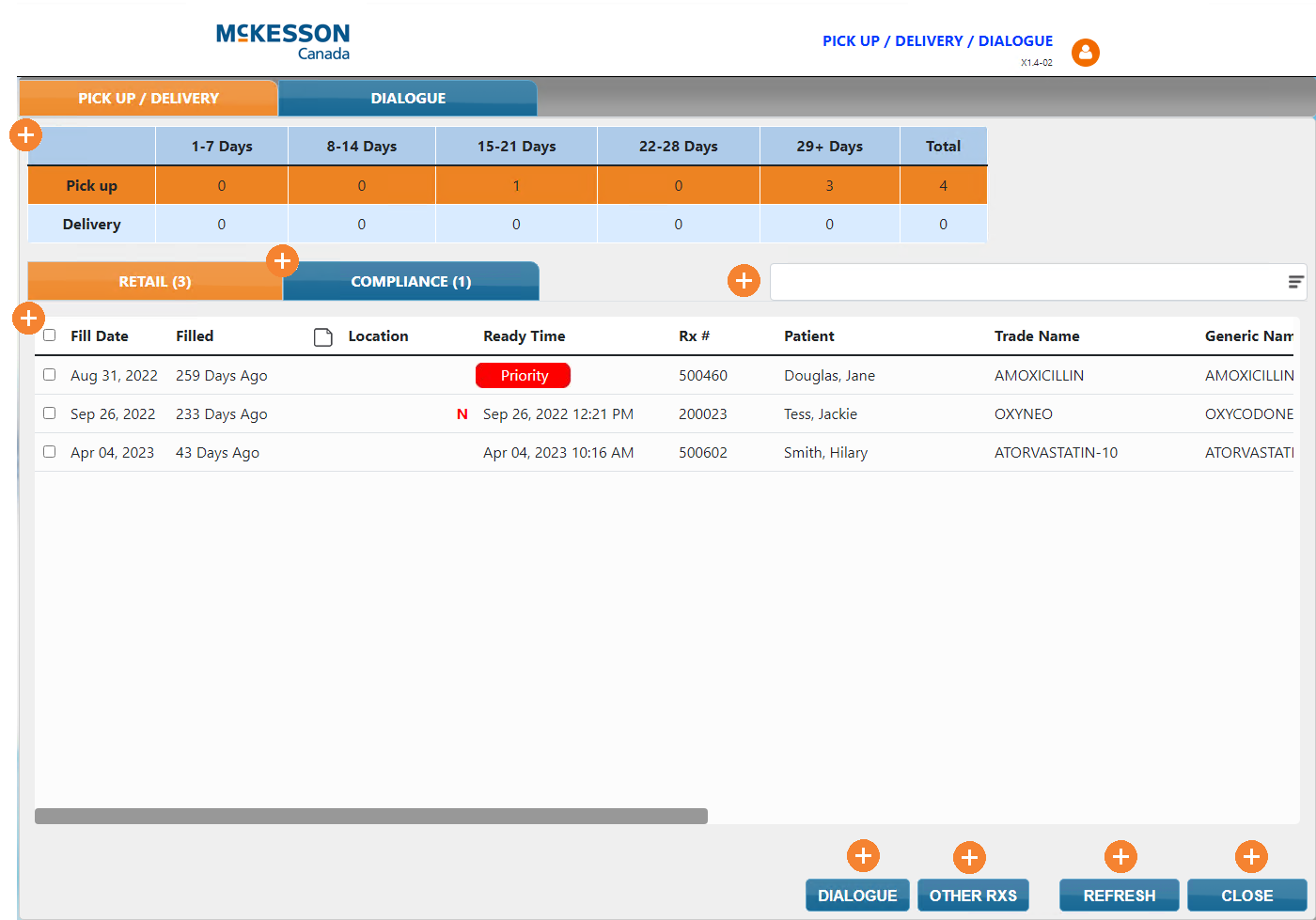
Pick Up/Delivery in Patient Centre
The Pick Up/Delivery tab in Patient Centre mimics the Pick Up/Delivery tile in Propel Rx, showing the following information:
-
prescriptions that are either waiting for pick up or delivery, separated into their own prescription grids.
-
The location of the prescriptions (i.e., fridge)
To learn more, select the expander icons  in the image below.